Browser games are games you play inside a web page: you open the link and the game runs in seconds, with no download, no installer and no sign-up. All 28 games on California Games work this way, in any up-to-date browser on a computer, phone or tablet.
The smallest one, Tic Tac Toe - Deluxe, is just 52 KB, and every game runs in an isolated frame on a separate domain.
A browser game is an HTML5 game: it is built with the same technology as a website, so the browser itself works as the console. There is no separate program and nothing new in your app list.
When you open a game, your browser loads its files the same way it loads the photos on a news site. Here those files are small: 9 of the 28 games are under 550 KB, the largest is about 10.6 MB, and the online arena War Space has no package at all, because it runs live on a server. The browser keeps a copy in its cache, so coming back to a game is usually faster.
Why is there nothing to download or install?
Because the game never leaves the browser. There is no installer to run, no administrator permission to grant and no file left on your disk besides the browser's temporary cache, which you can clear at any time.
That makes browser games handy on a shared or borrowed computer, or on a phone that is short on storage. Games that save progress keep it in your browser, on the games domain, so you can close the tab and pick up where you left off, even without an account. If you want your progress in the cloud and on leaderboards, you can sign in with Google in games that support it, but it is optional.
Yes, and the way the portal is built is the reason. Every game runs in a sandboxed frame on a separate domain, games.californiagames.io, so it cannot read the portal's storage or your account, and it can only connect to servers we have approved.
Before a game goes live, its files pass automatic checks and our team plays it and reviews it against the publishing rules. Most of the catalog is made by our own studio, and independent developers who publish here go through the same review. Parents and teachers will find the details on the safety page.
Which browser games should you try first?
Start with the style you like. Here is one pick per style, with its real size and controls.
Open War Space if you want to see how far a browser game can go: it is a real-time multiplayer arena, shared with other people playing at the same moment.
Do browser games work on phones and tablets?
All 28 do. Every game here runs on computer, phone and tablet and accepts touch, mouse and keyboard; 15 of them also accept a gamepad. On a phone, tapping Play opens the game maximized so it fills the screen, and on a computer the Fullscreen button does the same.
Touch controls and screen orientation are covered on the mobile games page. If your computer is old, the games for low-end PC page sorts the whole catalog from lightest to heaviest. Not sure whether to use the browser or an app on your phone? This guide compares both: browser or app for mobile games.
Why are these browser games free?
Ads pay for them, under rules set by the portal rather than by each game. A game can ask for an ad break, but the portal decides: the first break only comes after about 60 seconds of play, there is a minimum gap between breaks and a cap per hour, and rewarded ads, like the video that lets you revive once in Magic Block, are always optional.
A current version of Chrome, Edge, Firefox or Safari. Keep it updated: new versions bring performance and security fixes.
Does a browser game take up space on my device?
Only in the browser's temporary cache. On this portal, a game's files range from 52 KB to about 10.6 MB. Clearing your browsing data removes them, along with any progress saved in the browser.
Can I play browser games offline?
The browser version needs a connection to open a game. California Games also has apps for iPhone, iPad and Android that can download games to play without internet, except War Space, which is online only. The online vs offline guide explains the difference.
What languages are the games in?
All 28 games come in English, Portuguese and Spanish, and each game page has its description and instructions in those three languages.
Will my progress be saved if I close the tab?
Games that save progress keep it in your browser on that device, so closing the tab is fine. It is lost if you clear the browser's data or switch to another device, unless you signed in to a player account in a game that saves to the cloud.
Can I use a gamepad?
Yes, in 15 of the 28 games, including Slime Merge, 2048 Cards, Solitaire Soccer Stars and War Space. Every game also works with keyboard, mouse and touch.
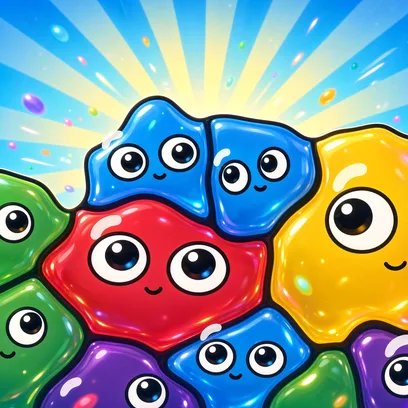 Slime MergeNew
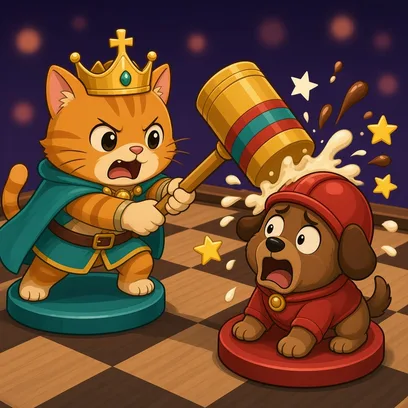 Paws ChessNew
 War SpaceNew
 Solitaire Soccer StarsNew
 Run Run SahurNew
 Pothole Party.ioNew
 2048 CardsNew
 Magic BlockNew
 Spot Kick StarsNew
 MotoCrazyNew
 Brainrot - Spot the differenceNew
 Purr & PourNew
 RocketmanNew
 Tic Tac Toe - DeluxeNew
 String CutNew
 CombloomNew
 Meme Cats PuzzleNew
 Close Shave RiderNew
 Tiptoe TreatsNew
 Prank LevelNew
 Flume Frenzy.ioNew
 HexadropNew
 Cubaconda.ioNew
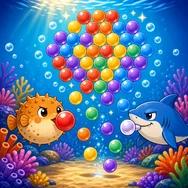 Bubble CupNew
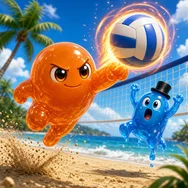 Slime VolleyNew
 Color TrainNew
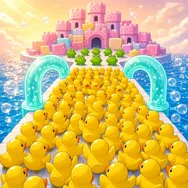 Quack ArmyNew
 Clock TinkerNew